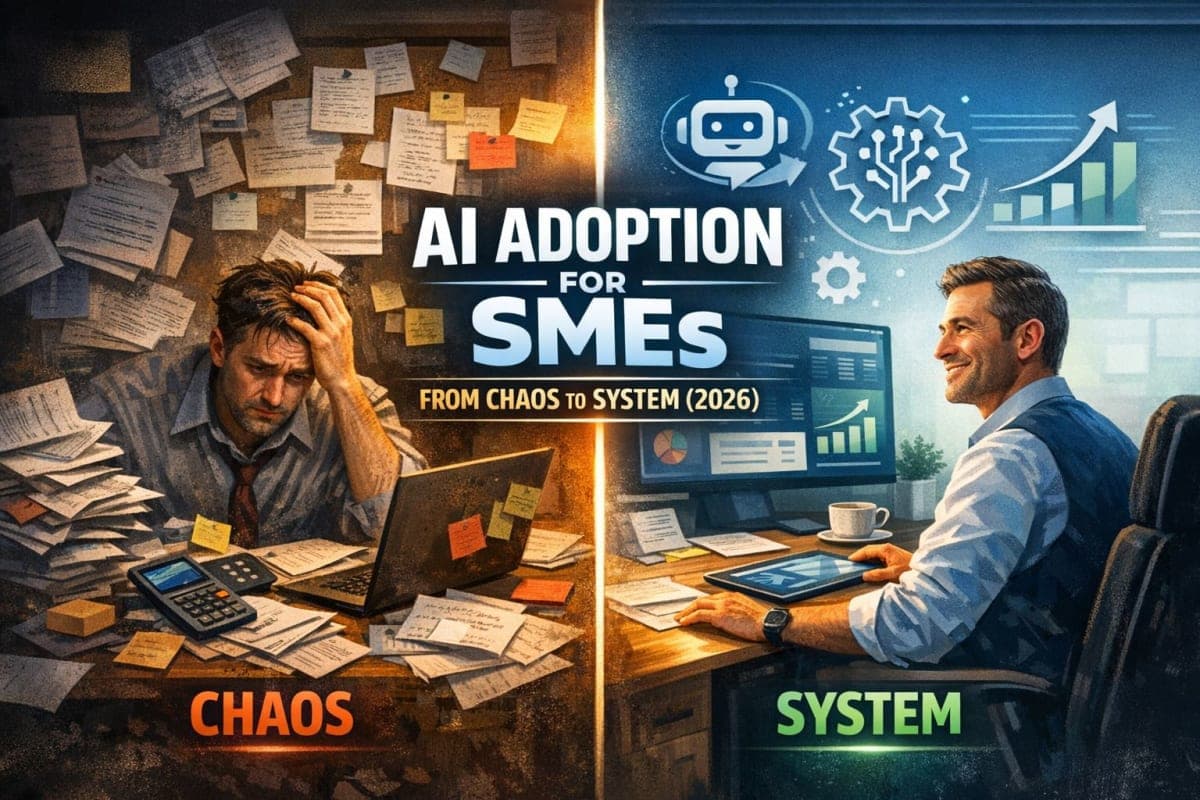
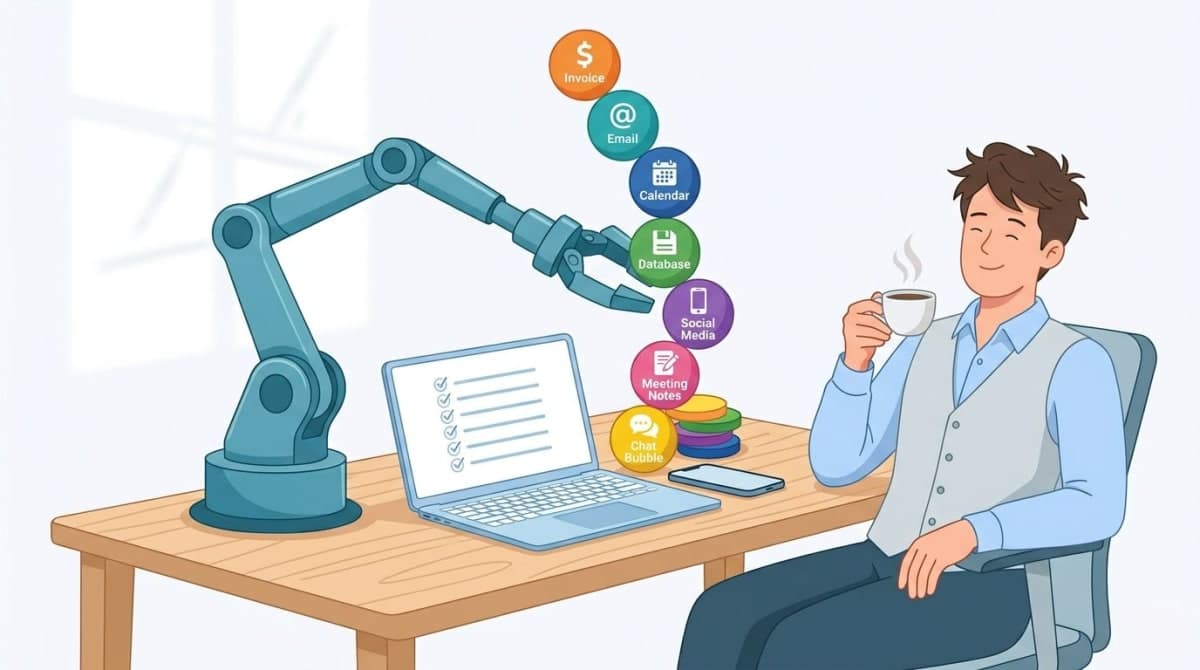
Running a small business often feels like juggling too many balls at once. You want to grow your brand, but you are stuck doing the same boring tasks every single day. Using small business automation 2026 tools can help you stop "working" and start "leading" your company toward real success.
What Is a Workflow Audit?
The Definition: A workflow audit is a simple check-up for your business operations. It means looking at every step you take to finish a job—like sending a bill, posting on social media, or answering a customer—and asking: "Does a human really need to do this, or can a computer do it faster and better?"
Why This Matters Right Now
The world is changing quickly, and AI ROI for small business is no longer a "maybe"—it is a must. If you keep doing everything by hand, you might get left behind by competitors who use their time more wisely. Here is why you should care:
Market Share: Businesses that ignore AI risk losing 15% of their market share to faster, more efficient competitors.
Huge Returns: According to a 2025 Forrester/AWS study of 1,500 SMBs, small businesses using AI saw a 347% average ROI in their first year (including tool costs).
Time Savings: Most employees save 15-20 hours per week by using AI automation. That is two full days of work recovered!
Potential: Experts say that 70% of manual work activities can be automated today with existing technology.
By doing an AI workflow audit, you find the "time leaks" in your day and plug them with smart tools that work while you sleep.

⚠️ When Automation Fails: 3 Risks to Manage
Automation is powerful, but it's not "set and forget." To stay safe and keep your customers happy, watch out for these three things:
The Impersonal Trap: A chatbot that sounds like a cold robot will frustrate your customers. Always give them an easy way to reach a real human if the AI gets stuck.
Consent & Privacy Laws: AI meeting note-takers (like Otter.ai) record conversations. In many places, you must tell people they are being recorded. Always check your local laws.
Over-Automation: Automating a broken or messy process just makes you fail faster. Fix the workflow first to make sure it works, then use AI to make it go fast.
The 7 Processes to Automate First
To automate business processes effectively, you should start with the tasks that happen most often. These are the "repetitive" jobs that drain your energy.
1. Invoicing & Bookkeeping
Keeping track of money is the most important part of your business, but it is also the most tedious. You don't need to spend your Sundays typing numbers into a spreadsheet or chasing down payments.
How to automate it:
Use Modern Software: Sign up for a dedicated tool like QuickBooks or Xero.
Connect Your Bank: Link your business bank account so every transaction shows up in your dashboard automatically.
Set Up Recurring Invoices: If you charge a client the same amount every month, set the system to "Auto-Send."
Enable Auto-Reminders: Let the software send a polite "Please pay your bill" email if a customer is late.
Why this matters for AI:
AI can look at your past spending habits and predict when you might have a "slow month" before it actually happens. It also helps categorize your taxes automatically so you don't have a massive headache when tax season arrives.
2. Customer Follow-Up & Email
When someone asks about your service, they want an answer fast. If you wait two days to reply, they will likely go to a competitor. You can use an AI email writer to keep the conversation going without being glued to your phone.
How to automate it:
Create Email Templates: Write your most common answers once and save them as "snippets."
Use Triggers: Set a rule so that when someone fills out a "Contact Us" form on your site, they get a "Welcome" email instantly.
Track Your Leads: Use a simple CRM (Customer Relationship Management) system to see who has replied and who needs another "nudge."
Follow the Plan: Check out this AI adoption for small business 2026 ROI-focused roadmap to see how to scale your outreach.
Why this matters for AI:
AI doesn't just send emails; it learns which subject lines get opened the most. It can help you rewrite your messages so they sound friendlier and more professional, ensuring your brand always looks its best.
3. Appointment Scheduling
The "back-and-forth" email chain to find a time to meet is a waste of mental energy. "Are you free Tuesday?" "No, how about Wednesday?" Stop doing that dance and let a machine handle it.
How to automate it:
Use a Tool like Calendly: Create a personal booking link that shows your available times.
Set Your Boundaries: Tell the tool you only want meetings during specific hours (e.g., 2:00 PM to 4:00 PM).
Embed the Link: Put your booking link in your email signature and on your "Book a Call" button on your website.
Auto-Reminders: Ensure the system sends a text or email 1 hour before the meeting to prevent "no-shows" and wasted time.
Why this matters for AI:
AI can look at your calendar and your long-term goals to suggest the best times for meetings. It can ensure you have "focus time" blocked out so you aren't interrupted during your most productive hours of the day.
4. Data Entry & CRM Cleaning
Moving names and numbers from one app to another is "robot work." You shouldn't be copy-pasting data in 2026. This is the biggest source of human error in most small offices.
How to automate it:
Use Zapier or Make: These tools act like "glue" that connects your different apps together.
Create a "Zap": Set a simple rule: "When I get a new lead in Facebook, add their info to my Google Sheet automatically."
Auto-Clean: Set up a process to find duplicate names or old email addresses and delete them once a week.
Format Data: Use automation to make sure all phone numbers and addresses look the same in your records.
Why this matters for AI:
AI can "read" messy data and fix it for you. If a customer writes their address in a strange way, AI understands what they meant and puts it into the correct boxes in your system perfectly every time.
5. Social Media Content
You know you need to post on social media to stay relevant, but making videos and writing captions can take all day. AI can turn one long video into ten small, punchy posts.
How to automate it:
Use Opus Clip: Drop a long video (like a podcast or a recorded presentation) and let it find the "viral" moments.
Edit with Descript: Edit your video just by deleting words in a text transcript—it’s as easy as editing a Word document.
Schedule Ahead: Use a tool to plan your posts for the next 30 days so you don't have to think about what to post every morning.
Auto-Captions: Let AI write the subtitles for you so people can watch your videos without turning the sound on.
Why this matters for AI:
AI models are trained on millions of videos to know what people like to click on. These tools can tell you which parts of your video are the most interesting, helping you get more followers with much less effort.
6. Meeting Notes & Internal Reporting
Don't spend a meeting scribbling on a notepad. If you are writing, you aren't listening. You will likely miss the most important parts of the conversation.
How to automate it:
Invite an AI Notetaker: Use Otter.ai or Microsoft Copilot to join your Zoom, Teams, or Google Meet calls.
Record Everything: Let the AI record the audio and turn it into a written transcript.
Generate Summaries: Ask the AI to "give me the 3 most important action items" as soon as the call ends.
Share Instantly: Set the system to email the notes to everyone who was in the meeting automatically.
Why this matters for AI:
Modern AI can understand the "vibe" of a meeting. It knows the difference between a joke and a serious deadline. It ensures that no important task is ever forgotten just because someone didn't write it down.
7. Customer Support (Tier 1 Chatbots)
Most customers ask the same five or ten questions: "Where is my order?", "What are your business hours?", or "Do you have this in blue?" You don't need a human to answer these basic things.
How to automate it:
List Your FAQs: Write down your Frequently Asked Questions and their perfect answers.
Build a Simple Bot: Use a tool to create a chatbot that answers those specific questions on your website or Facebook page.
Set a "Human" Rule: Ensure that if the AI can't answer a question, it sends the customer to your email or a live chat agent immediately.
Update Regularly: If you notice people asking a new common question, add the answer to the bot's "brain" so it learns.
Why this matters for AI:
Unlike the annoying bots from five years ago, today's AI chatbots can talk like a real, helpful person. They can handle thousands of customers at the same time, 24 hours a day, so your business never truly "closes."
🛑 3 Things You Should NEVER Automate (Yet)
Even in 2026, some things still need a real human touch. Do not let AI handle these tasks:
Saying sorry when you truly messed up. If a customer is angry because of a big mistake, an apology email template feels fake. Write a personal, heartfelt note instead.
High-stakes negotiation. Whether you are closing a $50,000 deal or hiring a key partner, you need to "read the room." AI can't feel the tension or the excitement in a person's voice.
Creative strategy for your brand voice. AI can draft ideas, but you must be the director. Never fully automate your unique point of view, or your business will start to sound like everyone else.
Conclusion
Automating your business is like hiring a team of assistants that never sleep, never get tired, and never complain. The "Cost of Waiting" is simply too high for any small business owner who wants to grow.
The Cost of Waiting | The Automation Advantage |
Losing 15-20 hours a week on boring "busy work." | Reclaiming your time for sales, family, and growth. |
Making human errors in data, bills, and schedules. | Perfectly accurate records and reports every time. |
Customers waiting hours or days for a simple reply. | Instant answers that win more trust and more sales. |
Your 15-Minute Audit Worksheet
Copy this into a notebook or your phone's Notes app right now:
My Most Annoying Daily Task | Which # from the list? | One Tool I'll Try |
Example: Sending the same email to new clients | #2 (Email) | AI email writer |
______________________________ | ___ | ________________ |
This week's commitment: I will spend 30 minutes setting up only the row I wrote above. That is your only homework.
Frequently Asked Questions (FAQ)
What is the difference between AI automation and AI assistance?
AI automation does the whole task for you without you touching it. AI assistance helps you do the task better or faster, but you are still the one doing the work.
How much does it cost to automate business processes for a small business?
Many tools start for free or cost about $20 per month. You can build a very powerful system for your office for less than the cost of a daily cup of coffee.
Can I automate my business if I use free tools like Gmail and Google Calendar?
Yes, tools like Zapier can connect your free Google apps to thousands of other softwares. You do not need expensive "enterprise" systems to start saving time.
How long does it take to see results after automating a workflow?
You will see results the very first time the automation runs. Most business owners feel a huge sense of "time relief" within the first week of setting up a new tool.
Will AI automation replace my employees?
No, it replaces the "boring parts" of their jobs so they can focus on creative work. Keep in mind that setting these tools up takes a little time at first, but it pays off quickly.