Introduction
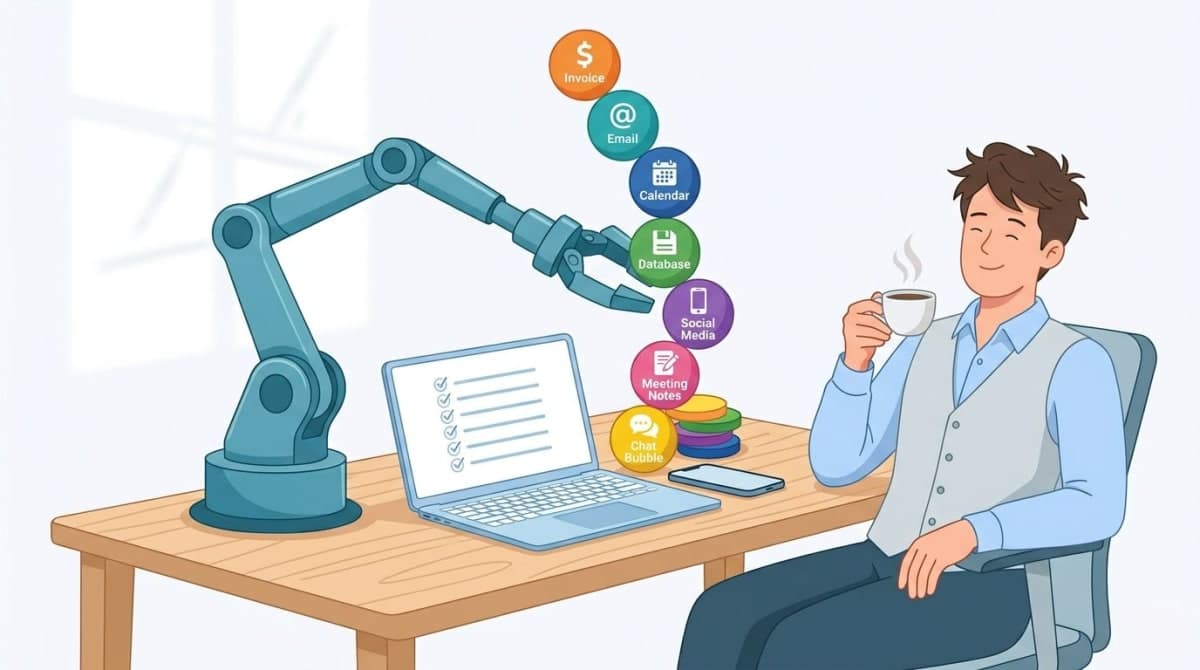
The U.S. Chamber of Commerce predicts AI adoption among small businesses will accelerate rapidly in 2026 — particularly in marketing, HR, customer service, and logistics. Their experts say automation helps reduce manual mistakes, save time, and free resources, letting SMEs grow faster without proportionally larger teams.
But here's the gap: In an AI-for-small-business community, a founder running an AI newsletter recently asked owners how they actually use AI today. His observation? The biggest hurdle isn't access to tools — it's uncertainty about concrete, high-ROI use cases in their actual workflows.
Owners repeatedly said: "We know AI might help, but we don't know where to begin."
This roadmap is your answer. Six phases, real-world grounding, and no hype.
Disclaimer on examples: The real-world stories in this article are based on publicly shared experiences from forums, case studies, and industry reports. Individual results vary based on your processes, team, and implementation quality.
Phase 0: Readiness Assessment (Weeks 1–2)
Goal: Decide if you should adopt AI at all — or fix other things first.
Why this phase matters now
A 2024 thread in r/smallbusiness captured what many still feel today: the owner of a curated vintage clothing shop reported sales down nearly 50% compared to previous years, despite steady marketing, social media activity, and ads. Their customers were simply more hesitant to spend.
When demand softens but operating costs stay sticky, small businesses face a brutal math problem. AI and automation won't fix a broken product or bad market fit. But they can help you run leaner, squeeze more productivity from existing processes, and protect margin while you navigate uncertainty.
5-question readiness checklist
Do you have repetitive, rule-based tasks? (Data entry, scheduling, basic copy, invoice processing, email triage)
Is your data digitized and reasonably clean? (Spreadsheets count; paper piles don't)
Do you have budget for tools? ($0–500/month for most SMEs)
Is one person accountable for AI adoption? (Doesn't need to be technical — just responsible)
Are you willing to retrain or reassign staff? (AI replaces tasks, not people — but roles may shift)
Decision matrix
If you answered... | Then... |
|---|---|
Yes to 4–5 questions | ✅ Start Phase 1 |
Yes to 2–3 questions | ⚠️ Fix gaps first (clean data, assign owner) |
Yes to 0–1 questions | ⏸️ Wait. AI won't help yet. |
Callout: 80% of failed AI projects fail because of bad data, not bad AI. If your records are in three different spreadsheets and a shoebox of receipts, organize first. For a deeper breakdown of what AI actually costs and how to budget before you start, see our guide: AI Cost for Small Business 2026.
Phase 1: Define Your Use Case (Weeks 3–4)
Goal: One clear, high-ROI problem. Not five. Not ten. One.
The "where do I start?" problem, solved
Remember the AI newsletter founder's observation? Owners are stuck at use-case selection.Here's how to unstick yourself.
Three high-ROI categories for 2026
Category | Example tasks | Typical time savings |
|---|---|---|
Customer support | Ticket deflection, chatbot triage, FAQ drafting | 40–60% |
Marketing & content | Drafting social captions, ad copy variations, SEO outlines | 50–70% |
Internal operations | Meeting summaries, email triage, expense coding, invoice processing | 50–80% |

Real-world anchor: Invoice processing
Public SME automation case studies show that targeted automations can cut manual invoice processing time by up to 80% , while also saving 2–3% per invoice by avoiding late fees and capturing early-payment discounts.
For a small business processing 200 invoices a month, that's hours saved and hard dollars back.
Your worksheet
Rate each potential use case by:
(Time saved per week in hours) × (Hourly cost of person doing it) - (Monthly tool cost ÷ 4) = Weekly ROI estimatePick the use case with the highest positive number.
See our "AI Automation for Small Businesses: 2026 ROI Data" for more examples and benchmarks.
Phase 2: Budget & Tool Selection (Weeks 5–6)
Goal: Pick tools that fit your budget and your team's actual technical comfort — not the ones with the most features.
Real-world anchor: The $175/month stack
A small web-development business owner on r/smallbusiness explained their approach: they invest in a $175/month tool stack to deliver custom-coded sites for small businesses "in a fraction of the time." The tooling lets them keep quality high but compress build time, so the unit economics work — they can charge small-business pricing and still earn enough margin to pay developers fairly.
Their insight: Automation and better tooling were the only way to make a "high-quality but affordable" model work at scale.
Budget tiers for 2026
Tier | Monthly cost | Best for | Examples |
|---|---|---|---|
Free | $0 | Testing the waters | Google Gemini 1.5 Flash, Claude Haiku, Microsoft Copilot (limited) |
Starter | $10–50 | Solo or micro-business | ChatGPT Plus, Perplexity Pro, Otter.ai |
Growth | $50–200 | 5–30 person teams | Zapier AI, Make.com AI, custom GPT actions |
Agency/Studio | $200–500 | Client-facing work | Multi-seat enterprise plans, API access |
Selection framework
Team is non-technical → All-in-one platforms (Notion AI, Microsoft Copilot)
Need workflow automation → Integration platforms (Zapier, Make)
Handle customer data → Check compliance (GDPR, CCPA, HIPAA) before buying
See our tested lists — "7 Best Free AI Tools in 2026" and "6 AI Tools Small Businesses Are Quietly Relying on in 2026."
Phase 3: Pilot (Weeks 7–10)
Goal: Run a low-risk, 4-week test with 2–3 people. Not the whole company. Not mission-critical systems.
Pilot rules
One use case only (e.g., "drafting email replies to common customer questions")
No sensitive data (no passwords, customer PII, trade secrets)
Measure before and after on three metrics (below)
Human always reviews — AI will hallucinate. Assume it will.
Pilot tracking template
Task | Before (min/task) | After (min/task) | Accuracy (human-rated) | Team member likes it? |
|---|---|---|---|---|
Draft email reply | 8 | 2 | 85% | Yes — saves me time |
Social caption | 12 | 4 | 90% | Mixed — needs editing |
Meeting summary | 20 | 5 | 75% | No — misses nuance |
Only move to Phase 4 if:
Time savings ≥ 40%
Accuracy ≥ 80% or errors are cheap/easy to catch
At least 2 of 3 pilot users want to keep using it
Phase 4: Internal Training & Prompt Playbooks (Weeks 11–13)
Goal: Turn pilot learnings into repeatable processes anyone on your team can follow.
What to train (not "how AI works" but "how we use it")
Three short sessions (30 minutes each):
Prompt basics
Formula:
Role + Task + Format + ConstraintExample: "You are a social media manager. Write 3 LinkedIn caption options for our new case study. Keep each under 200 characters. Use a professional but not stiff tone."
What never to put in AI
Passwords, API keys, customer names/emails, financial data, trade secrets
"Assume everything you type might be used to train the model."
How to spot and fix errors
Hallucinations (confident wrong answers)
Outdated information
Tone mismatches
Deliverable: A 1-page prompt playbook
Create a shared doc with:
3–5 winning prompts for your use case
The "never share" list
One example of a bad output and how to fix it
Pro tip: This playbook becomes your onboarding doc for new hires. Update it quarterly.
Phase 5: Measure & Optimize (Weeks 14–16)
Goal: Prove ROI and decide whether to expand beyond the pilot.
Real-world ROI benchmarks
Public SME automation guides report that small businesses typically see first-year ROI in the low-triple-digit range (roughly 280–520%) , with payback in 3–6 months, driven by time savings and fewer manual errors.
AI success-story round-ups show small companies achieving 20% faster service turnaround and double-digit increases in customer satisfaction after automating parts of their operations.
Three metrics to track (same as pilot, but now with real numbers)
Metric | How to measure | Good target |
|---|---|---|
Time saved | Hours/week per employee (compare before/after) | ≥ 5 hours/week/person |
Quality score | Error rate or supervisor rating (1–5) | ≥ 4/5 or error rate < 10% |
Adoption rate | % of eligible team using it weekly | ≥ 70% after 4 weeks |
Your ROI formula
(Time saved hours/week × 4.3 weeks × avg hourly wage including benefits)
- (Monthly tool cost)
- (Monthly training/support hours × hourly wage)
= Monthly net benefit
Example (10-person agency, $35/hr avg wage, saves 40 hours/week total):
(40 × 4.3 × $35) = $6,020 value
- ($200 tool cost)
- ($300 support/training)
= $5,520 monthly net benefit
Use our interactive "AI ROI Calculator 2026" to run your own numbers without the spreadsheet.

Phase 6: Scale (Month 4+)
Goal: Add second and third use cases while preventing "shadow AI" chaos.
Scaling checklist
Standardize approved tools (create a short list of 3–5)
Create a simple request process for new AI tools (one email template: "Why this tool, what data, what budget?")
Schedule quarterly refresher training (30 minutes, prompt updates and new features)
Assign an AI champion (one person who monitors new tools and shares learnings)
Common scaling pitfalls (and how to avoid them)
Pitfall | Symptom | Fix |
|---|---|---|
Tool sprawl | Six different AI subscriptions, nobody knows who pays for what | Approve tools centrally. Cancel unapproved ones. |
No exit plan | Vendor raises prices 200% but you're locked in | Start with open formats (CSV, markdown). Avoid proprietary data prisons. |
Ignoring morale | Staff feel threatened, hide their AI use, or sabotage it | Frame AI as task replacement, not role replacement. Celebrate time saved, not people cut. |
Real-World SME Example (Based on Public Patterns)
Business: 12-person boutique law firm
Pain point: Paralegals spending 10+ hours/week drafting routine client email replies
Tool: Custom GPT with their style guide and approved legal language
Deployment: 8-week pilot with 2 paralegals, then full rollout
Results:
9 hours/week saved per paralegal (after editing/review)
$1,200/month estimated net ROI
Client satisfaction unchanged (quality held steady)
Paralegals reassigned to higher-value research work
Based on patterns in public SME case studies; specific results vary.
FAQ
Do I need to hire a dedicated AI person?
No. But assign an AI champion — someone who spends 2–4 hours/week testing tools, documenting prompts, and answering team questions. This can be an existing employee with a small stipend or title bump.
What about data privacy?
Never put customer PII, trade secrets, or passwords into public AI tools (ChatGPT, Claude, Gemini). For sensitive work, use:
Enterprise tiers with data isolation
Self-hosted open-source models (Llama 3, Mistral)
Local-only tools (Ollama, GPT4All)
Can I start with free tools?
Yes. That's Phase 2. But free tiers have limits (rate limits, no custom instructions, shared data policies). Pilot with free, budget for paid if you scale.
How long until I see ROI?
Most SMEs in public case studies saw payback in 3–6 months . Our Phase 3 pilot (4 weeks) + Phase 5 measurement (4 more weeks) = 8 weeks to first real data. Some see savings in Week 1. Others take 6 months. It depends on your use case and team.
What if my team resists?
Resistance usually comes from fear (being replaced) or frustration (bad tools forced on them). Solutions:
Fear: Explicitly say "no one will lose their job to AI in the next 12 months." Mean it.
Frustration: Let pilot volunteers opt in. Never mandate. Success stories convert skeptics.
Conclusion
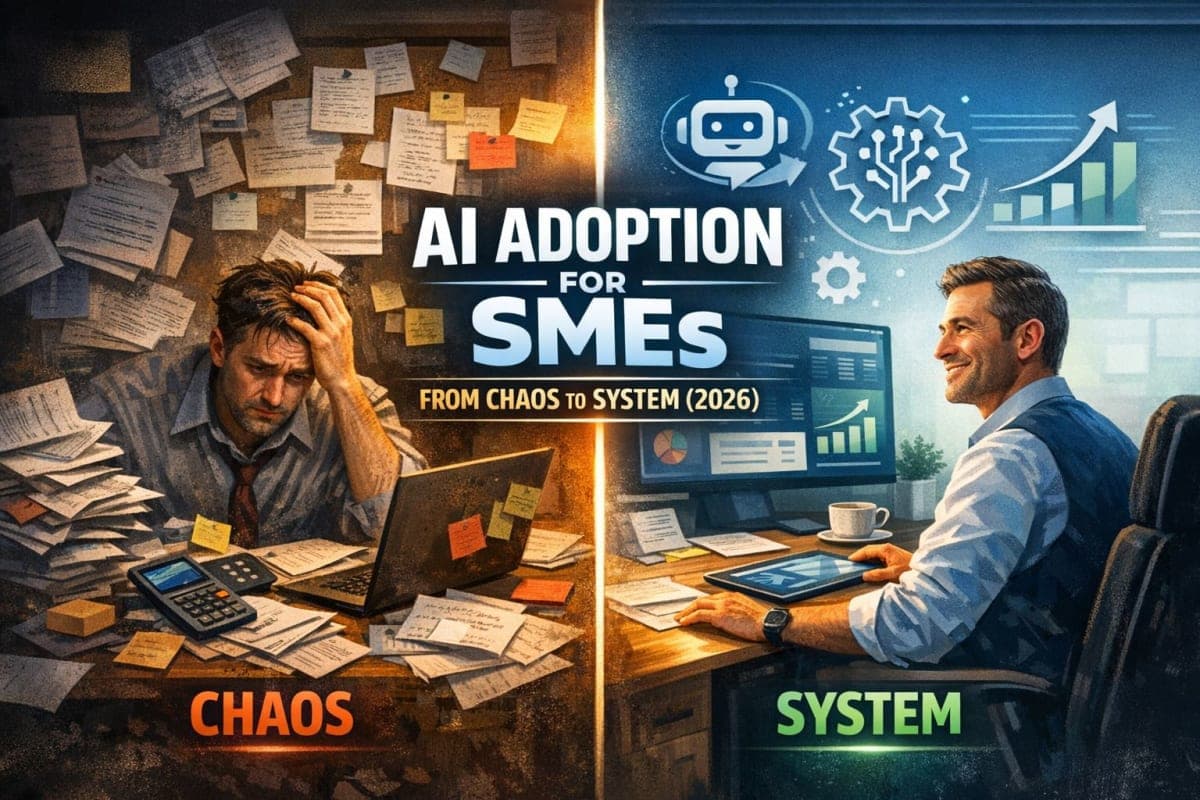
AI adoption isn't primarily a technical challenge — it's a process and people challenge.
The web studio owner with the $175/month stack didn't succeed because they bought the right tools. They succeeded because they matched tooling to a real workflow (custom site delivery) and measured the unit economics until it worked.
The vintage retailer down 50% in sales won't be saved by ChatGPT alone. But automation that cuts 10 hours of manual work per week might buy them breathing room to fix their real problem — customer hesitation — without bleeding margin.
And the AI newsletter founder who asked "where do I start?"? Your answer is now six phases long.
Ready for your first concrete step? Run the 15-minute workflow audit to identify your highest-ROI automation candidate today.
Follow this roadmap. Pilot small. Measure everything. Scale what works.